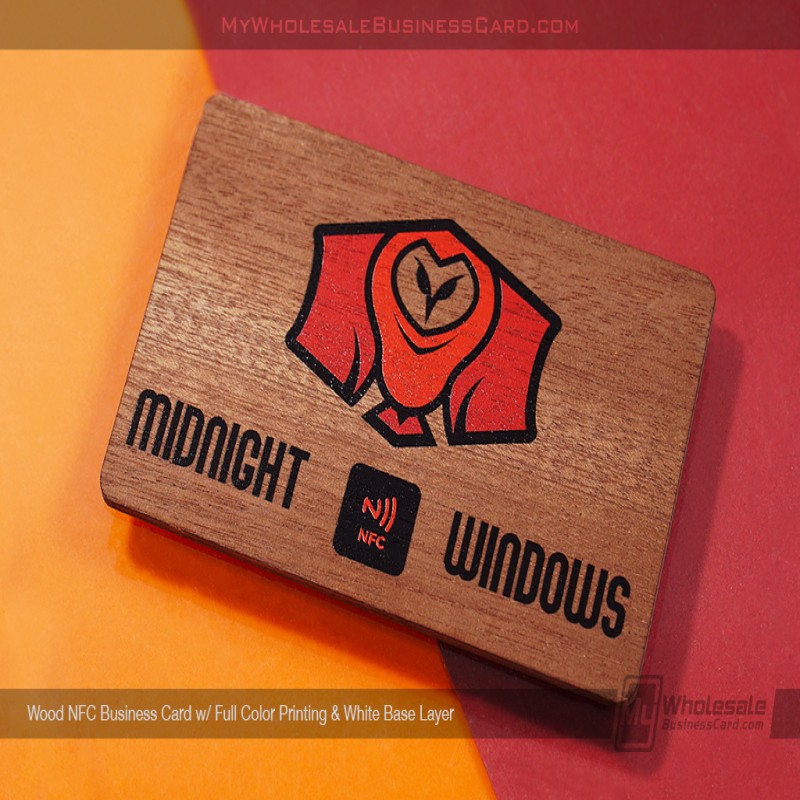
Premium Wood Finish
Our Wood Business Cards are second to none. We believe that you can make an instant and unforgettable impression with our wood cards – all while being eco-friendly, sustainable and designed to impress.


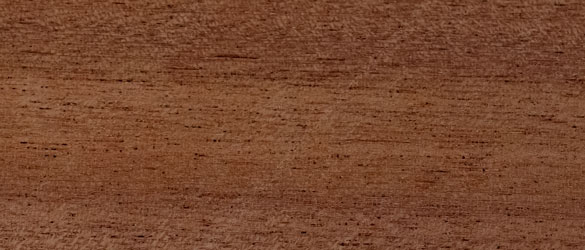
Our Wood Business Cards are second to none. We believe that you can make an instant and unforgettable impression with our wood cards – all while being eco-friendly, sustainable and designed to impress.
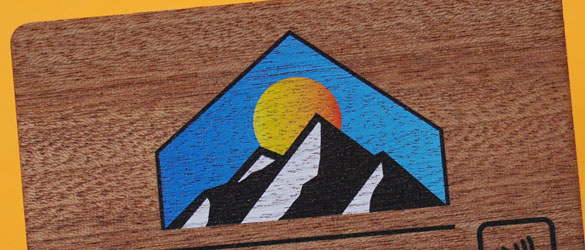
You can expect colors that pop and a finish that’s durable and crisp! With our printing processes, we can print full colors, spot colors, photos and more, all included in the price! We’ll even color-match if necessary – simply supply your color information while ordering.
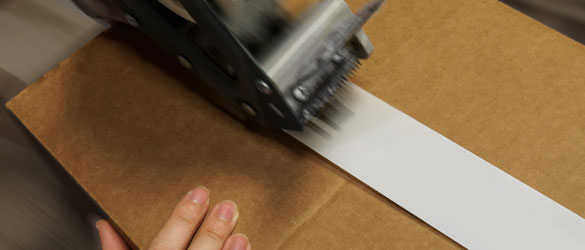
All of our Wood Cards are produced in 5 Business Days with options to add on 24 Hour Production or 48 Hour Production to get your cards FAST! The same great quality Wood Business Cards, now QUICK! You can also add expedited shipping in the checkout process to ensure a quick in hands date!
Can these be used as Contact Cards?
If you prefer to use these as a contact card, we recommend visiting vCard.Link or linktr.ee to create a free custom URL where you can build out a custom contact card. Simply provide us the URL they provide you and we can encode this to your NFC Metal Business Card!
How does NFC work?
NFC cards allow for the wireless transfer of small amounts of data between two devices. Both the chip and receiving device must be held only a few centimeters from each other to work. The date transferred is often a website URL.
What phones can scan NFC chips?
Nearly all recent smart phones (post 2016) are capable of scanning NFC chips. For Android phones, place the NFC chip on the back center; for Apple iPhones and iPads, scan the chip near the top center of the device.
How do I encode my NFC chip myself?
Step 1 – Download the application NFC Tools by Wakedev on your iPhone or Android.
Step 2 – Add a record through the “Write” function.
Once downloaded, open the application, and tap “Write” on the first menu. Then, select “Add a record” on the next screen to begin adding your data. Select URL and be sure to enter that URL you would like your card to direct to into the application.
Step 3 – Input the information onto the NFC card
Once you have entered your record onto the application click “Ok” in the top right corner. To encode this information on your card, click on the “Write” option in the next menu. From here it will prompt you to hold your phone near the NFC chip, and encode the chip. You should receive a notification from the app if the encoding is successful. Please note: The locations of the antennas for each phone may vary. iPhones are normally on the top middle of the phone while Androids are typically in the middle back of the phone.
Step 4 – Test the newly encoded chip
You should now be able to use the chip to transfer data on both iPhones and Androids. To see if the data has been encoded simply go back to the main menu screen by clicking “Menu” in the top left corner of the application. Then, tap “Read” and hold the new NFC chip near your phone. Your new data should then appear on the screen.
From there you should be good to go!
Is rush production and delivery available?
Our standard production time for these cards are 5 business day, and you can expedite the production time by choosing a faster production time under the ADVANCED SETTINGS drop down of this product page. During the checkout process, you also have the option to add on expedited shipping.
Can each card have a unique name or number?
Unfortunately, we cannot add variable data onto our wood cards.
What's included with your standard pricing?
Our pricing includes printing on one side, any printing!
Can I order for multiple people in a single order?
Yes! And, there is no split fee if each person orders 50pcs or more. Simply note this in the 'Design Content' box.
How should I store my wood business cards?
To ensure the longevity and quality of your wood business cards, it's important to store them in a temperature-controlled environment. Extreme temperatures and humidity can cause the wood to warp or split. We recommend keeping them in a cool, dry place, away from direct sunlight or heat sources. Proper storage will help maintain their appearance and durability over time.
Do I encode my own NFC chip?
We are happy to help you encode your chips! Simply provide us with the URL you would like these cards to link to and we can encode them for you.
Can I re-write on my NFC chip later?
Yes, we have found a free app called NFC Tools, that is easy-to-use and free on the Apple and Google app stores.
What can I program to the NFC chip?
The chips carry only a small amount of data, so generally a URL to a website is most common. For the NFC 215 chip, the data limit is roughly 200 characters.
If you prefer to use these as a contact card, we recommend visiting vCard.Link or linktr.ee to create a free custom URL where you can build out a custom contact card. Simply provide us the URL they provide you and we can encode this to your Wood NFC Business Card!
How long do these take to be produced?
Our general production time is 5 business days from the point of proof approval. We also offer expedited options under the ADVANCED SETTINGS drop down on this product page, if you prefer a faster production time.
Do I have to pay for artwork?
You can bypass our design services by providing us a full vector file of the complete card layout. We have templates you can follow to design these. Please note these templates are designed for graphic designers who are familiar with vector artwork. If you are not, we highly encourage adding on our design services.
Can I have a custom shaped card?
Unfortunately, we do not offer custom shapes for our wood cards.
What if I don't have artwork?
No problem. Let our in-house artwork team design a card for you based on your current logo or input. We know how to make you look good – guaranteed! Just add our design service to your order, provide us with the content and we will do a back and forth digital proofing process with you. We won’t send anything into production until you love it!
Can I print a full color image or multi-color logo on my card?
Yes, absolutely! We include one side printing as a part of our standard pricing. To add printing onto the second side, an additional cost will be incurred.
STEP 1 | ORDER Select your quantity and add-on options in the product builder. No artwork, no problem! Just add our Card Design Service and provide detailed notes for our internal designers. Feel free to upload any artwork including drawings, logos, or even a photo of your current card.
STEP 2 | PROOFING PROCESS Within 24 hours (Monday through Friday), you will receive a digital proof. Please note any changes and our designers will work with you until you love your card layout. Once you're completely satisfied, confirm your artwork for production.
STEP 3 | PRODUCTION & SHIPPING After confirming your artwork, you will receive an Email with tracking in roughly 10 business days (please call for expedited options). Track your order status at any time in the My Account portal on our website
| Final Dimensions | Description | Download |
|---|---|---|
| Template |
Click to select a file
Acceptable File Formats:
Max. file upload size is 250MB (megabytes) per file — ZIP archives accepted


We use cookies to enhance your experience on our site. By continuing to browse, you accept our use of cookies.
These cookies are necessary for the website to function.
Help us understand how visitors use the site.
Used for interest-based advertising.
Allow us to personalize your experience.
Cookies and similar technologies collect certain information about how you use our website. These cookies enable our website to offer additional functions and personal settings to create a better user experience. They can be set by us or by third-party partners.
Residents of certain states have the right to opt out of "sales," "sharing," or processing of personal information for targeted advertising. You can opt out by moving the toggle switch for Advertising cookies below to the left.
You can also opt out of analytics cookies using the toggle below.
Your opt-out choices will apply to the browser and device you are using when you opt out. You will need to opt out separately on other browsers and devices that you use.
Certain cookies are needed and will remain to provide basic functionalities as you browse the Printing Coop website, even if you opt out of other cookies. These cookies are essential for making the Printing Coop site work and making it safe.